15.04.26 | Release Notes

Justin Watts
17 April 2026
What's New in Ailo
15.04.26
Improved Rent Payment Experience
What: The rent payment screen in the Ailo consumer app has been redesigned with a clearer confirmation view, and a new safeguard now prevents accidental duplicate payments.
Why: When a renter submits a rent payment, the confirmation matters. The new screen now has a clearer visual cue that the payment had gone through. We also want to make it clear and deliberate when rent is paid so that multiple payments do not occur accidentally.
How: After submitting a rent payment, renters will now see a green tick icon confirming success, with the informational message repositioned for clarity. Behind the scenes, the app now blocks a second payment using the same method within 60 seconds of the first. If a renter does tap twice, they will see a clear message explaining the payment has already been submitted. Backend validation is also in place as an additional safety net.


Bill Status Badges on the Bills Page

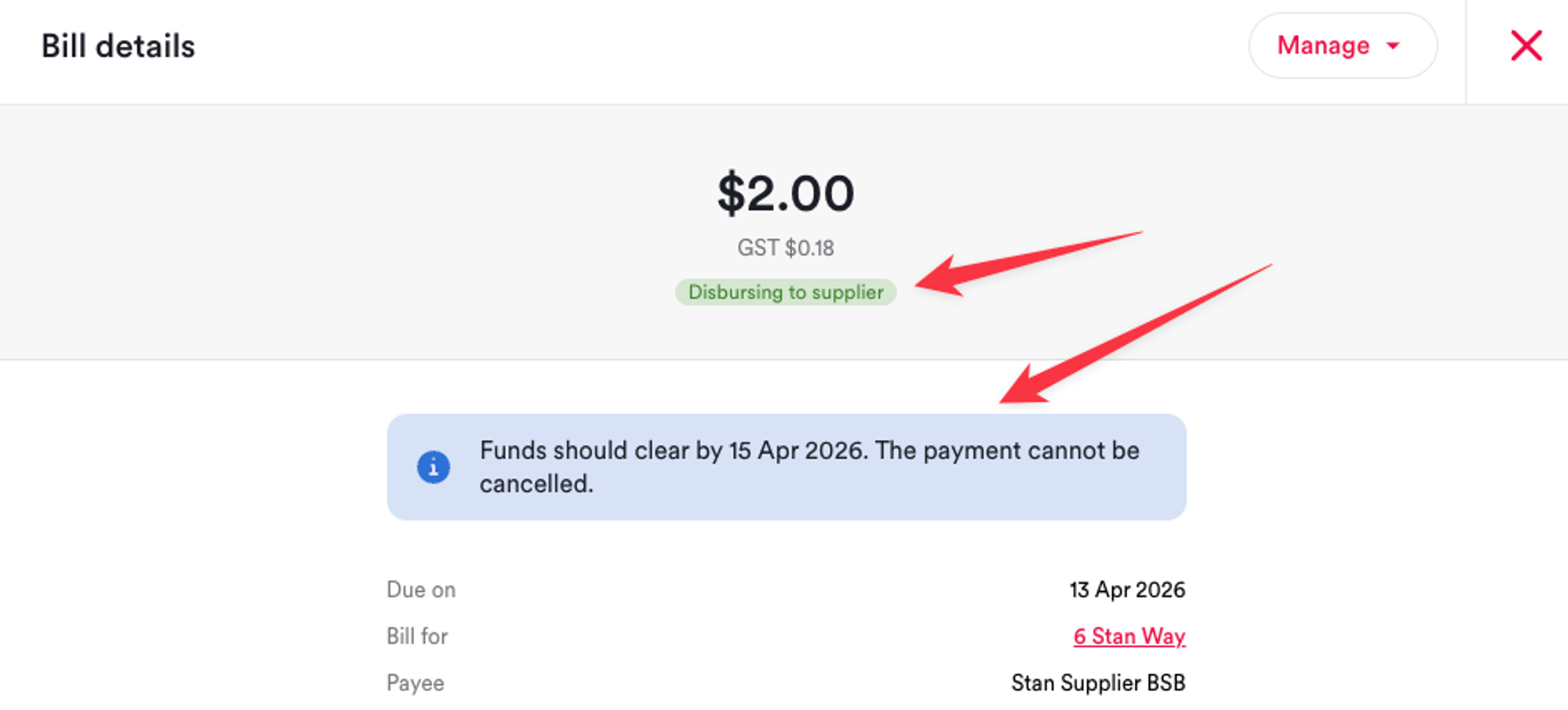
What: The Bills page in the agency app now displays status badges for all bill states, including Due and Partially paid.
Why: Previously, some bill statuses were missing their visual badges on the Bills page. If you filtered for Due bills, for example, none of them showed a badge in the Status column, making it harder to scan the list at a glance. This update ensures every bill state has a visible, consistent badge so property managers can quickly identify what needs attention.
How: No action required. Status badges now appear automatically on the Bills page for all bill states. You will see badges for Due, Partially paid, and other statuses wherever they apply, making it easier to triage bills without opening each one individually.
Improved Project Bills Display

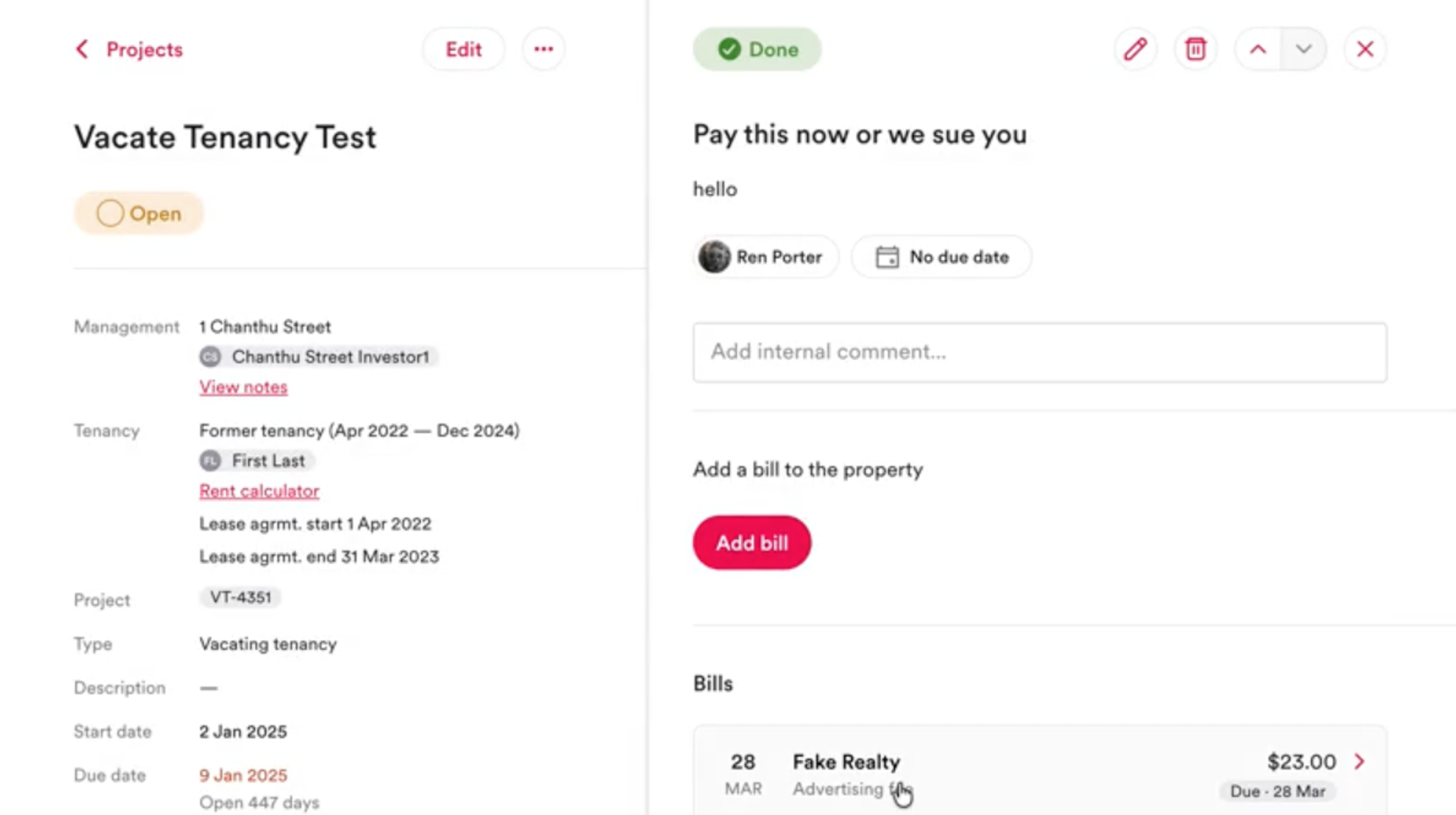
What: Bills created from within a project now appear correctly in the project view after being published.
Why: When a bill was created directly from a project and then published, it would sometimes not appear linked to that project. This meant property managers had to go searching for the bill in the main Bills tab instead of seeing it in context. This fix ensures bills stay connected to the project they were created in.
How: No action required. Bills created from within a project, whether published immediately or saved as a draft first, will now reliably appear in the project's bill list.
