
25.03.26 | Release Notes

Justin Watts
25 March 2026
What's New in Ailo
25.03.26
Partial Rent Refunds
What: Property managers can now process partial rent refunds directly from the PM app, without contacting Ailo Support.
Why: Partial rent refund requests are one of the most common support tickets. Until now, every partial refund required a support request and manual processing. This feature puts control back in the hands of property managers, saving time for both your team and ours.
How: Navigate to the transaction you need to partially refund, click 'Refund', and enter the amount. The refund is sent back to the original payment method. PMs need 'Finance - manage' permissions. Multiple partial refunds are supported for a single transaction.
Shoutout to Kayla, St Kilda, for being the first to test partial rent refunds in the pilot and loving the experience.


Full Bill Refunds

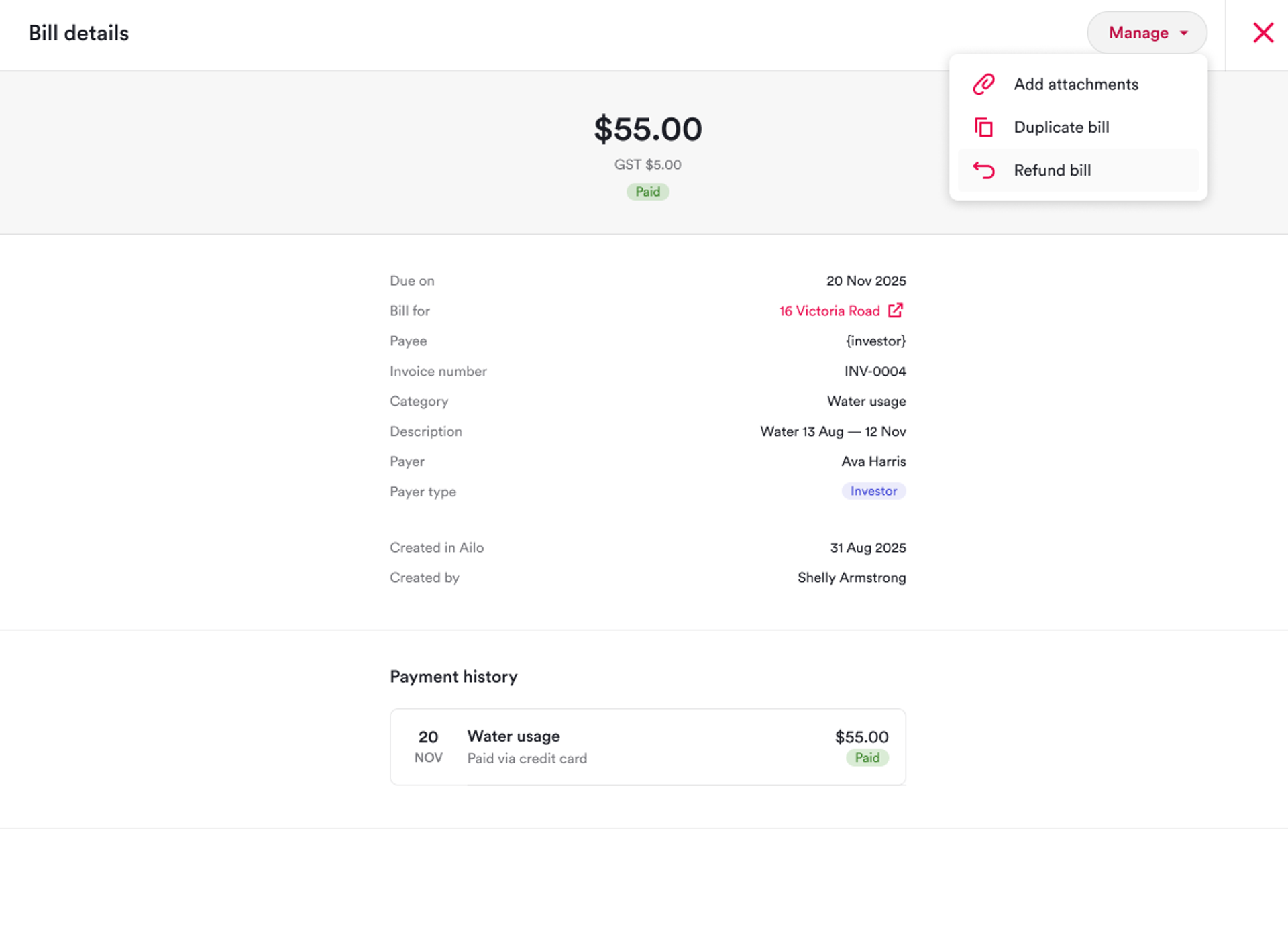
What: The full bill refund feature, previously in pilot, is now available to all Ailo customers.
Why: Processing bill refunds previously required contacting Ailo Support for every case. With this release, property managers can handle straightforward bill refunds independently, reducing turnaround time and support dependency.
How: Open the bill you need to refund, click the 'Refund' option from the bill actions menu. This covers bills paid in a single transaction between investors and tenants, or to the agency. Bills paid via trust, to external suppliers, or with multiple transactions are not yet supported in this version.
Enhanced Supplier Statements

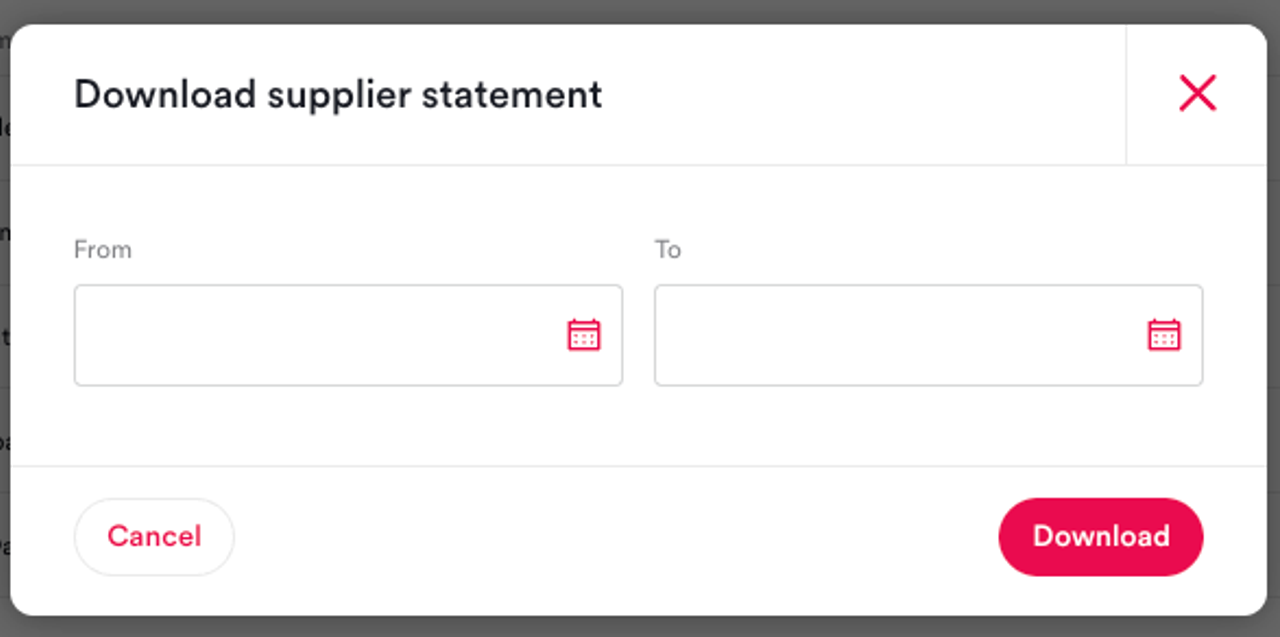
What: Supplier statements now include cleared dates, full account names, and supplier account numbers, bringing them closer to the detail level of traditional remittance advice.
Why: Several customers told us that while supplier statements were a great addition, they were still reaching out to support for remittance advice because key data points were missing. These additions close that gap and reduce the need for manual workarounds.
How: Generate supplier statements the same way as before: go to Contacts, then Suppliers, select the supplier, and click 'Download statement' from the supplier sidebar. The new data points appear automatically.
Supplier Archiving Protection

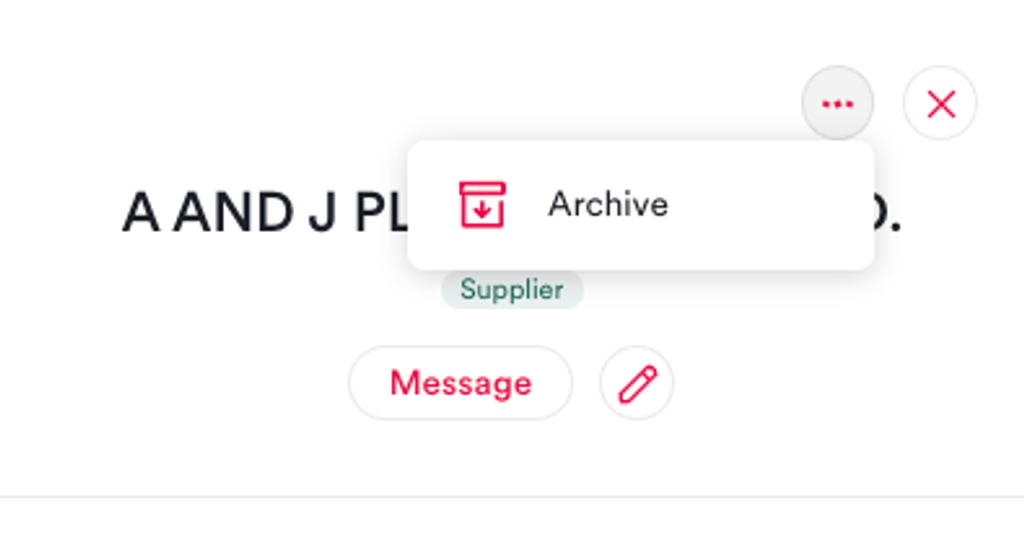
What: Ailo now prevents property managers from archiving a supplier that has outstanding or partially paid bills.
Why: Archiving a supplier with active bills could cause confusion around payment tracking and reconciliation. This safeguard ensures bills are resolved before a supplier record is archived.
How: If you try to archive a supplier with an active bill (partially paid or in draft), a warning will appear explaining why the supplier cannot be archived yet. Resolve or cancel the outstanding bills first, then archive.
Fortnightly Recurring Bills
What: A fortnightly (every two weeks) frequency option has been added to recurring bills.
Why: This was a direct customer request. Agencies managing boarding houses and similar properties often need to bill renters on a fortnightly cycle for utilities like electricity. Previously, the only options were weekly, monthly, quarterly, half-yearly, or annually.
How: When creating or editing a recurring bill, select 'Fortnightly' from the frequency dropdown. Bills will be generated every two weeks from the start date.


Former Management Search

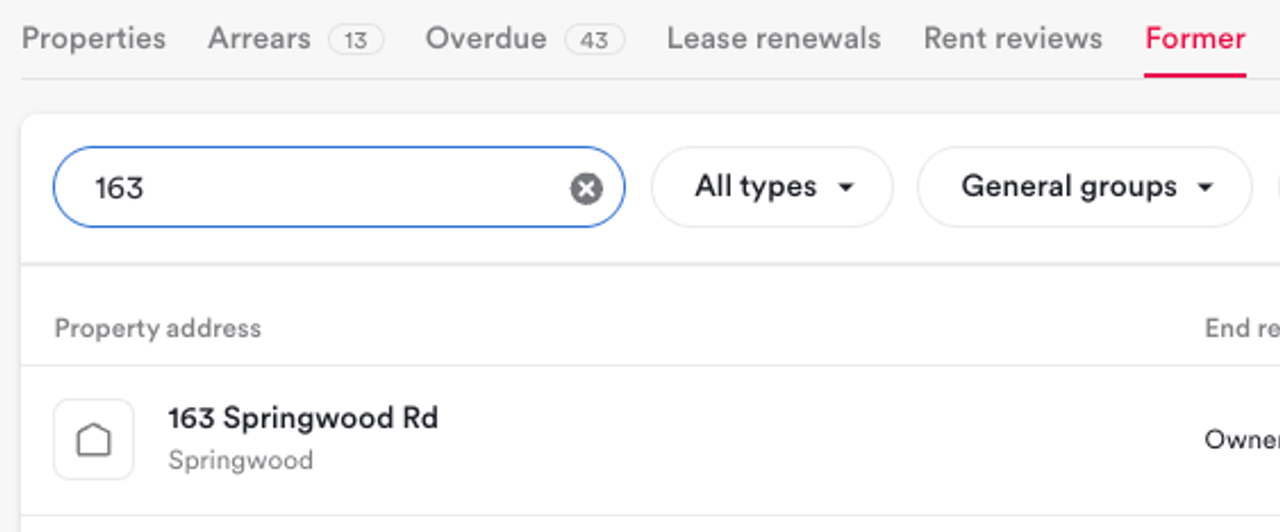
What: The former management list now includes a search bar, allowing you to filter former managements by address.
Why: For agencies with large portfolios, scrolling through the entire former management list to find a specific property was time-consuming. This quick improvement makes it easy to locate former managements instantly.
How: Open the Former Managements section and use the new search bar at the top of the list. Type any part of the property address to filter results.