
02.03.26 | Release Notes

Justin Watts
02 March 2026
What's New in Ailo
02.03.26
Caller ID: See who's calling before you pick up 📞

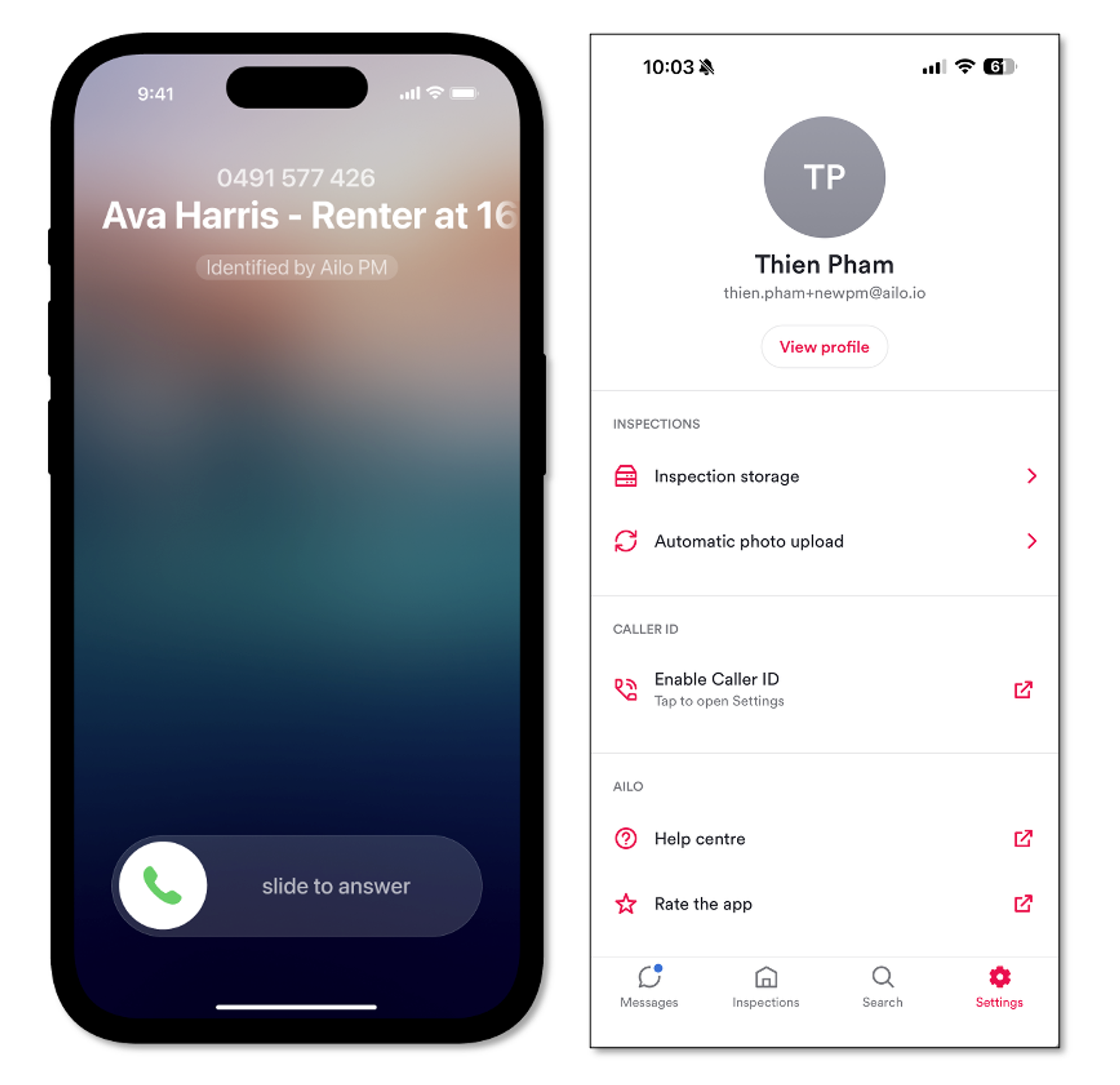
When a renter or investor calls, you'll now see their name and property address straight on your phone screen – no more guessing who's on the other end.
To get started, update your Ailo PM app in the app store and head to Settings > Caller ID to enable it. This takes you straight to the right iPhone setting. If you manage across multiple agencies, contacts sync across all of them.
iOS only for now – Android is not supported.


Resend notifications to renters and investors 📩

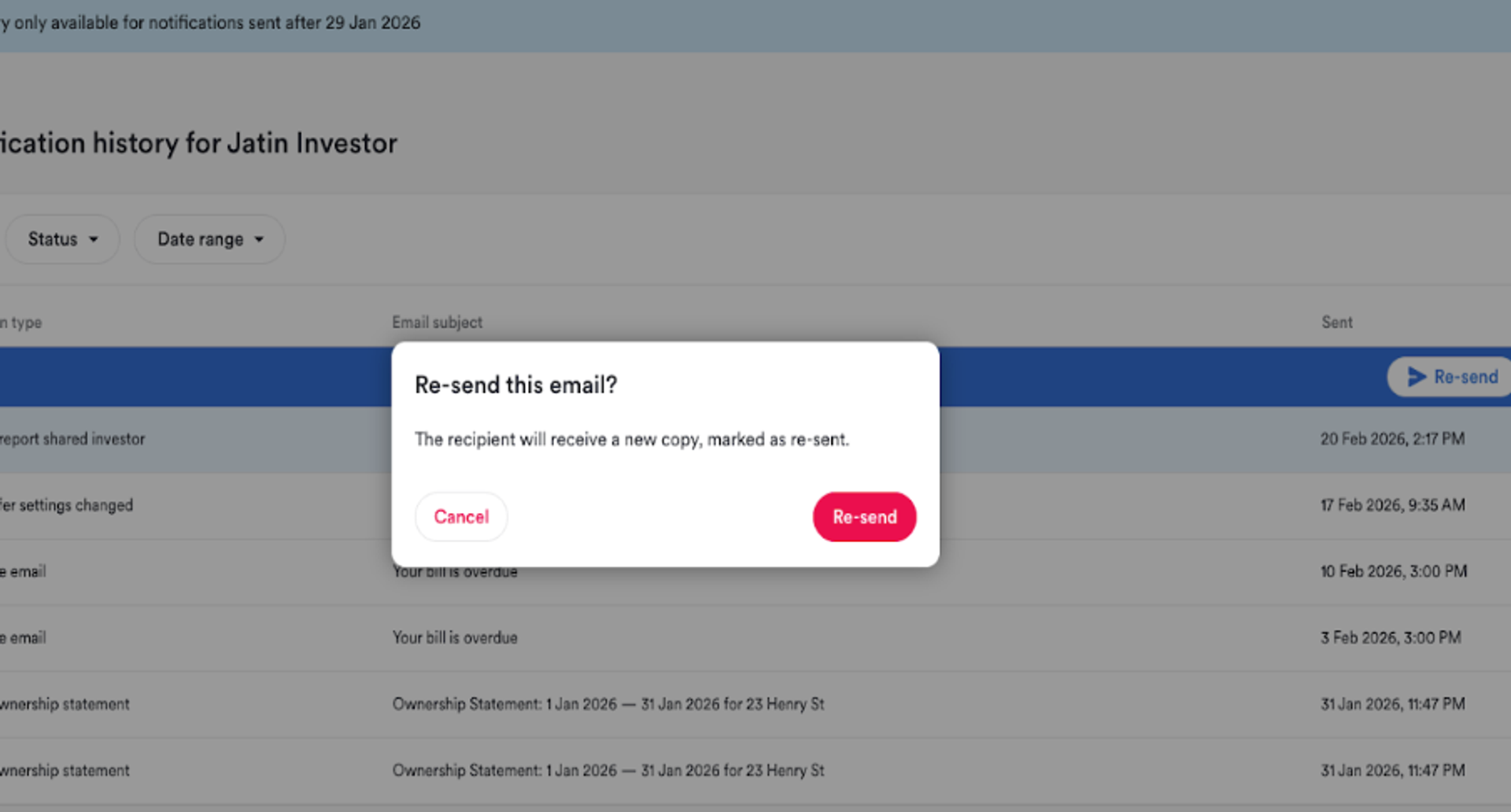
Need to resend a notification to a renter or investor? Now you can do it yourself, straight from the PM app.
Head to the contact's notification history, pick the notification, and hit resend. The email goes out with a "Resent" label and the original timestamp – so if it's a rent reminder heading to a tribunal, the full context is right there.
One thing to note: attachments aren't included in resent emails just yet. Statements are still available separately in the consumer app and for PMs directly.
More updates you asked for
Coming soon: notifications will be visible directly in the consumer app, so renters and investors can find them without reaching out to you at all.More updates that you asked for
1. Confirm payment details before saving 🔐
Renters now see a confirmation screen when adding a payment method – catch typos before they cause refund headaches.
2. Properties missing keys report 🔑
Quickly identify which properties don't have keys logged in Ailo. No more manually filtering through the key list.
3. Rent calculator links to end-of-tenancy flows 🔗
Jump straight from the rent calculator to create an end-of-tenancy project, break lease fee, or initiate a refund.