
03.06.26 | Release Notes

Neil de Jesus
03 June 2026
What's New in Ailo
03.06.26
Email forwarding and change recipients

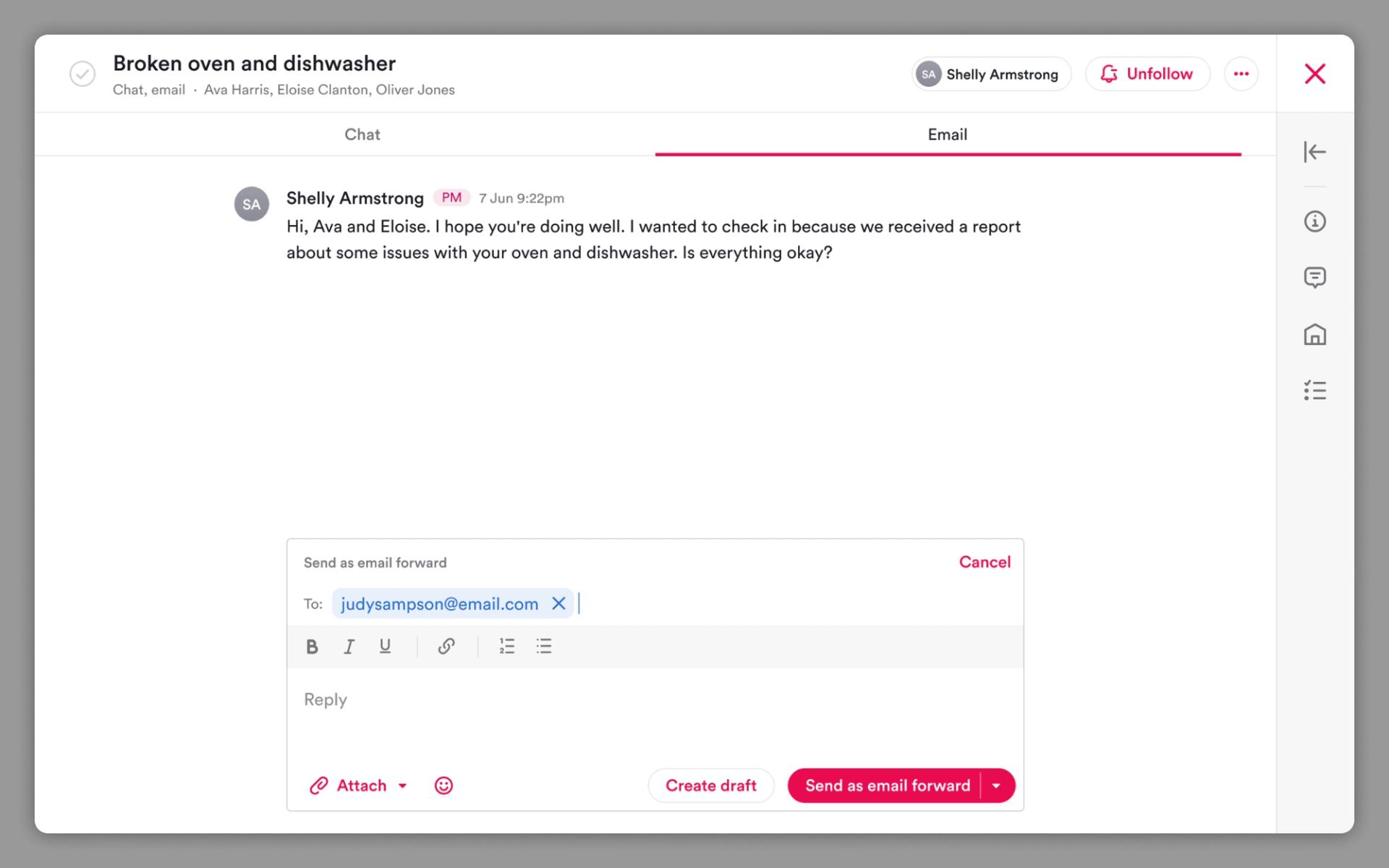
What. Property managers can now forward email threads and add or remove recipients directly in Ailo - on both mobile and web.
Why. Until now, PMs had to leave Ailo and jump into Gmail or Outlook whenever they needed to loop in a tradie, remove someone from a thread, or forward a conversation. That meant important correspondence happening outside the platform - breaking the audit trail and creating extra context-switching. This keeps the whole conversation inside Ailo, where it belongs.
How. Open any email thread and use the new forward or change recipients buttons. Add or remove contacts as needed, or forward the thread to a third party such as a tradesperson. A linked offshoot thread is created automatically, so the original thread stays intact with its original recipients. Available on mobile and web.
Messages mark as done on send

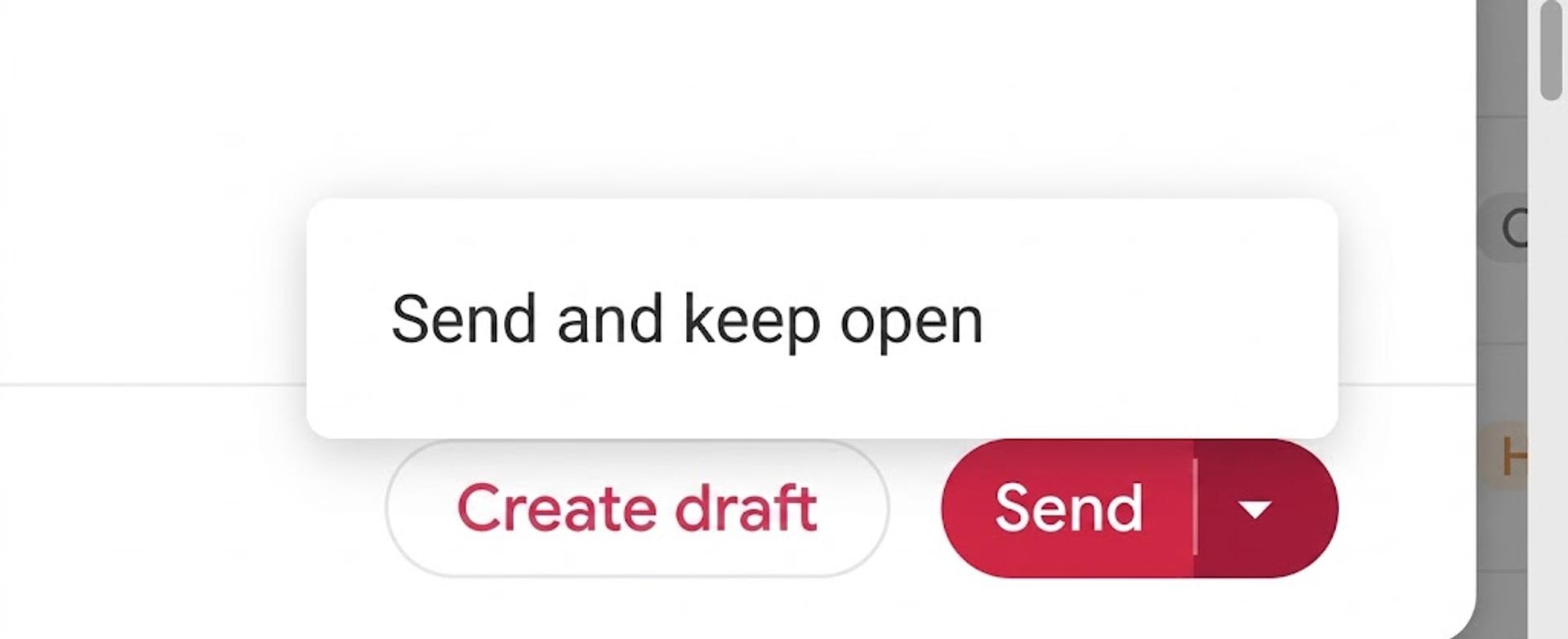
What. Sending a message from the compose modal now automatically marks the thread as done.
Why. PMs were sending messages and then manually marking them done straight after - a redundant extra step. This brings the standard compose modal in line with how messages sent from projects already work, removing the double handling.
How. No action needed. When you send a message, it will now be marked as done automatically. If you need to keep a thread open after sending, use the dropdown on the send button to choose send only.
