05.08.26 | Release Notes

Ailo
05 August 2026
What's New in Ailo
05.08.26
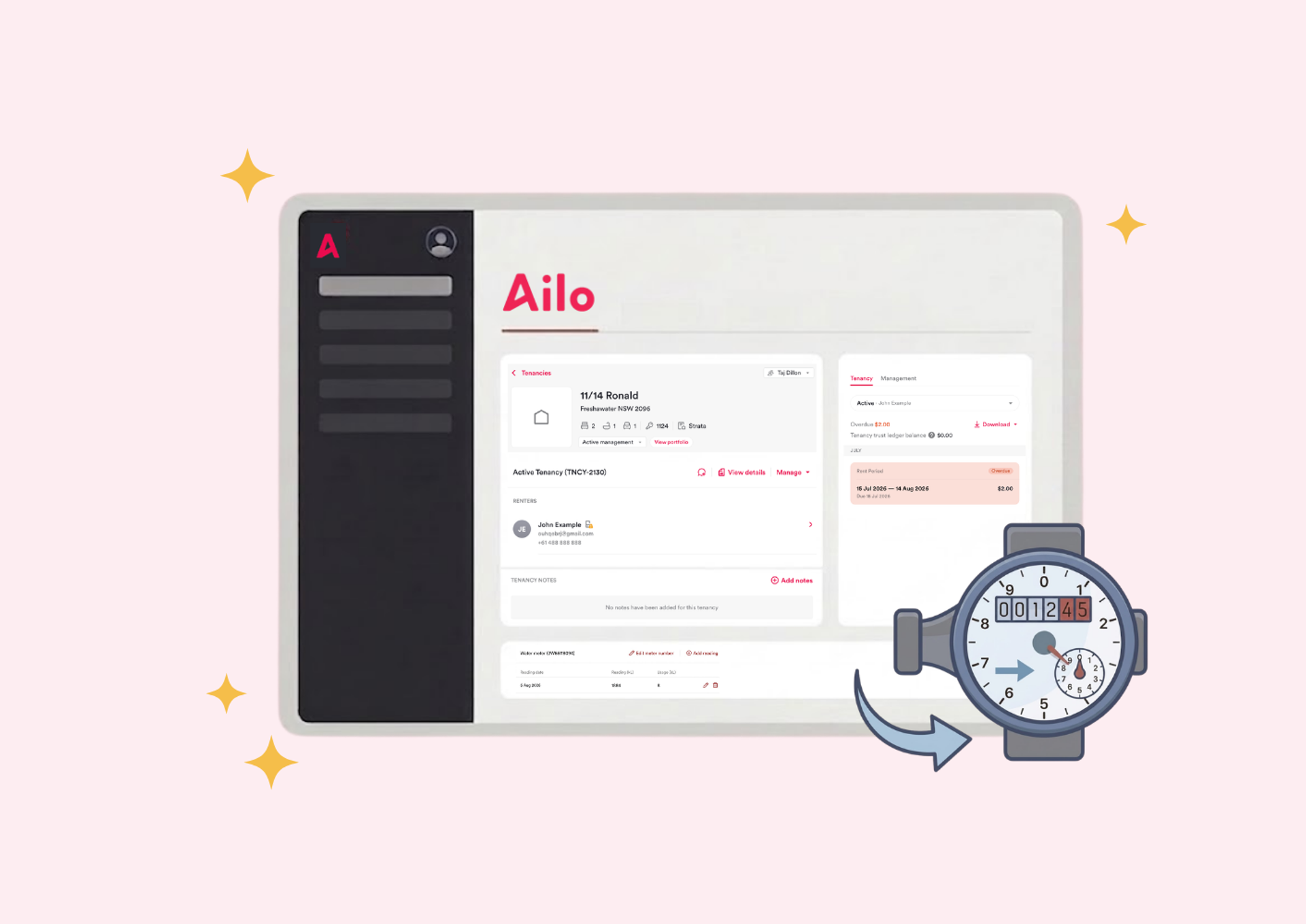
Register a property's water meter and track readings automatically
What. You can now add a water meter to any property and record readings directly in Ailo. When a water usage bill arrives, the previous reading pre-fills and Ailo calculates the usage in kilolitres for you. Smart Extract reads meter numbers and readings straight from the bill document and matches them to the property's registered meter.
Why. Previously, property managers had to look up the previous reading, calculate usage by hand, and cross-reference the meter number manually for every water usage bill. Bills spanning a change in tenancy were particularly tricky - there was no flag to prompt a manual split. With water meters in Ailo, that arithmetic disappears. Smart Extract pre-fills the bill, a reading history lives on the property for the whole team to see, and bills that span a tenancy change are automatically flagged for review rather than filled in incorrectly.
How. On any property page, find the new Water meter card. Select "Add water meter" and enter the meter number as it appears on the meter or a recent bill. From there, record readings manually or let Smart Extract do it when you process a water usage bill. The previous reading always pre-fills from the last recorded reading, and usage calculates automatically.
Shoutout to Lisa, Canberra for flagging water bill pro rata handling as one of her team's biggest manual pain points.


Personal Account payments are now clearly labelled in transaction history

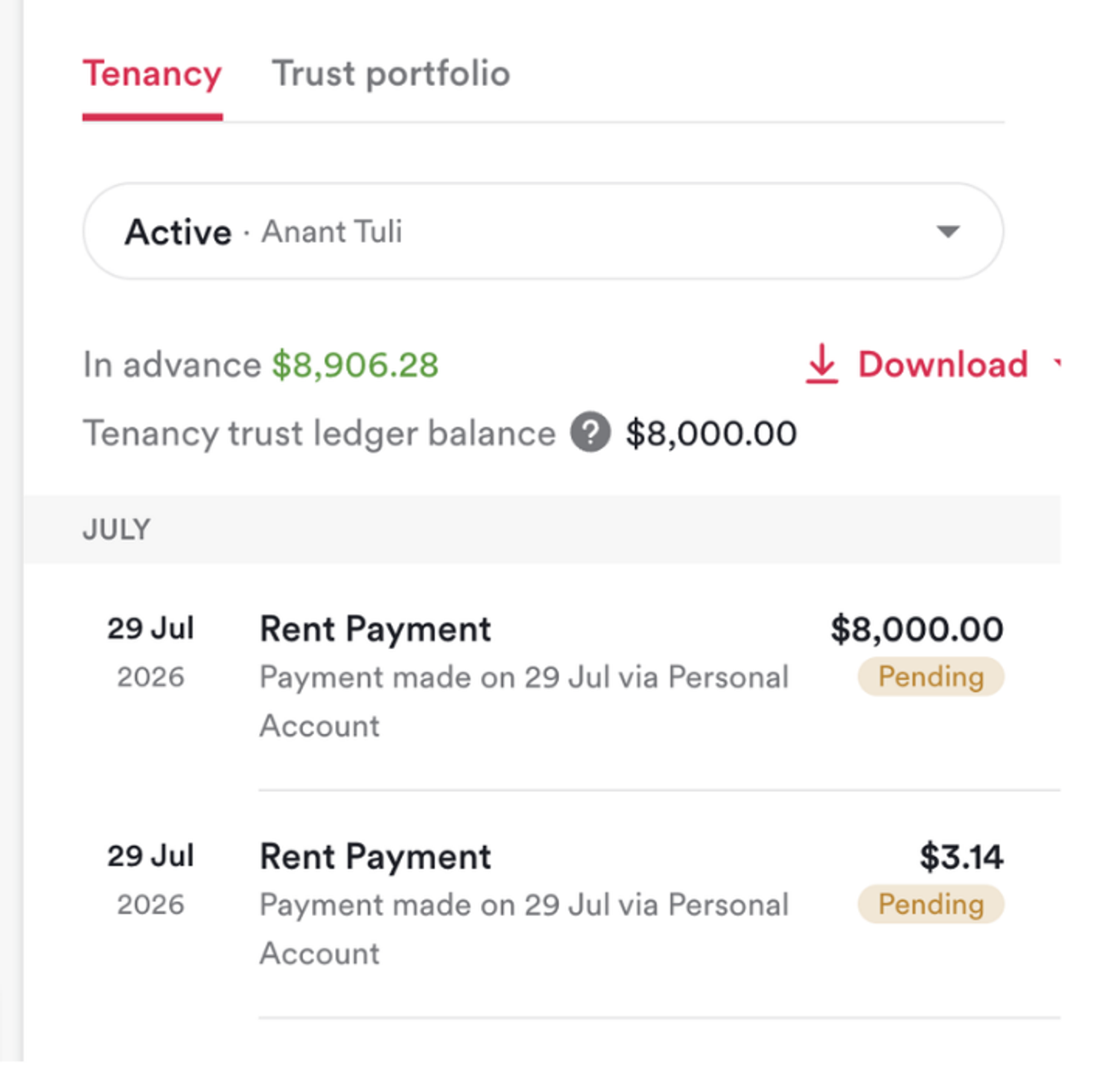
What. Payments made via a renter's Personal Account now show as "via Personal Account" in transaction descriptions, instead of appearing as a generic automatic payment.
Why. Personal Account payments were previously indistinguishable from recurring direct debits in transaction history. This was causing property managers to flag suspected double payments that were in fact correct. The updated label makes the payment method clear at a glance.
How. Nothing to action. Transaction descriptions update automatically for all Personal Account payments.
Navigate straight to a property from the transactions list
What. The property column in the Trust Accounting transactions list now links directly to the property page. Previously it was plain text with no way to navigate from it.
Why. Jumping from a transaction to the relevant property page required navigating separately. The clickable link removes that extra step when investigating or cross-referencing entries.
How. Nothing to action. Select the property name in the transactions list to go straight to that property page.


Tenancy numbers now show on all tenancy cards

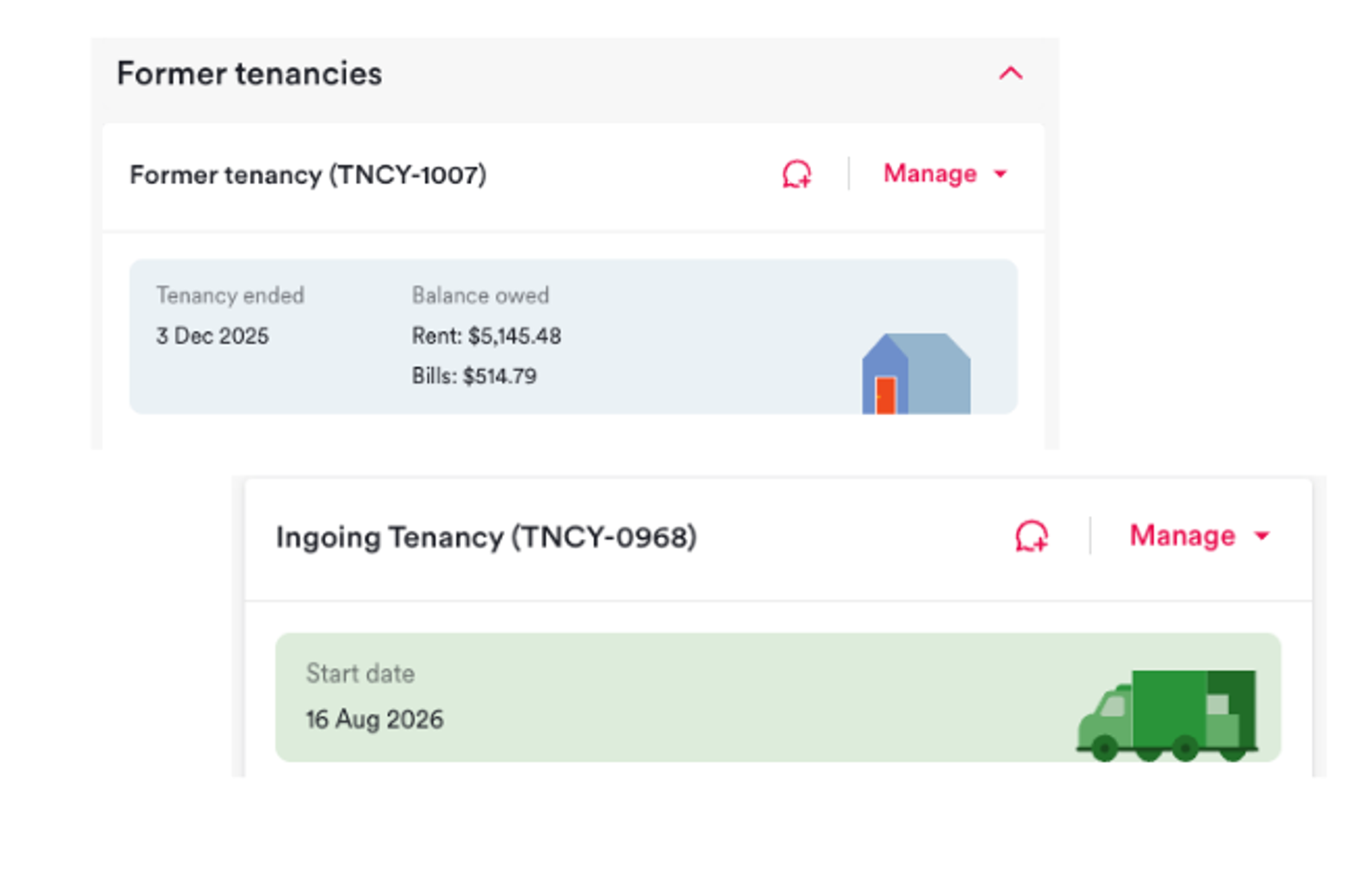
What. The tenancy number (TNCY-XXXX) now appears on Ingoing, Former, and Voided tenancy cards - consistent with how it already displayed on Active tenancy cards.
Why. Property managers cross-referencing against other records had no quick way to confirm they were looking at the right tenancy on non-active cards. The number now shows consistently regardless of tenancy status.
How. Nothing to action. Tenancy numbers appear automatically on all tenancy card types.
Search by portfolio number in global search

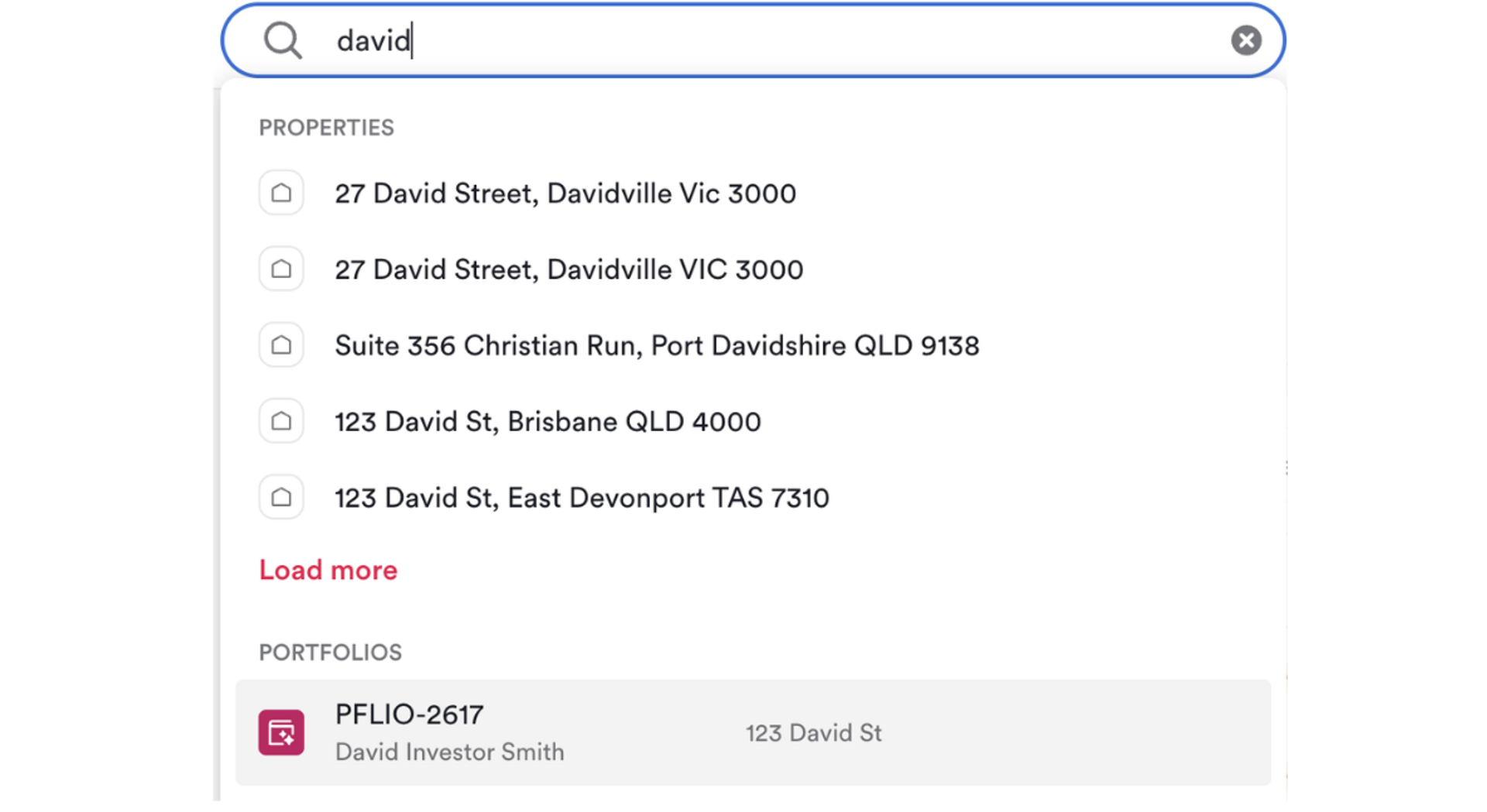
What. You can now search by portfolio number in global search to navigate directly to a portfolio.
Why. Portfolio numbers are commonly used when cross-referencing records and statements. Adding them to global search saves navigating through the portfolio list separately.
How. Type the portfolio number into global search. The matching portfolio appears in results.
"Paid by" and "Paid to" replace "Payer" and "Payee" across the bill flow
What. All references to "Payer" and "Payee" in the bill flow - including bill details, the add bill modal, the pay bill modal, bill filters, and column headers - have been updated to "Paid by" and "Paid to”.
Why. "Payer" and "Payee" differ by one letter and are easy to mix up. Customer feedback flagged the confusion directly. The updated labels are plain and unambiguous.
How. Nothing to action. The updated labels appear across the bill flow automatically.


