08.04.26 | Release Notes

Justin Watts
08 April 2026
What's New in Ailo
08.04.26
Add or Remove a Renter from a Tenancy

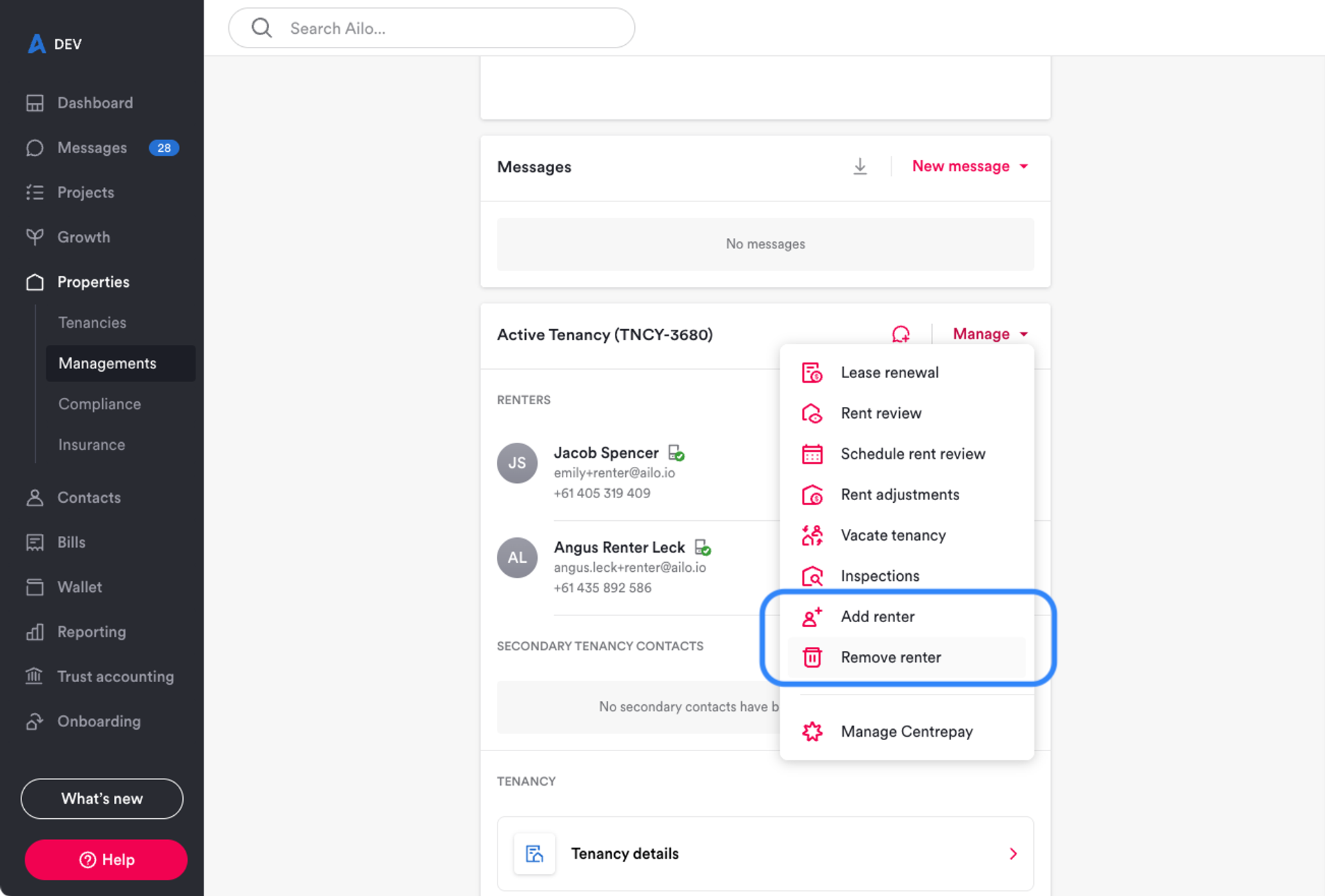
What: Property managers can now add or remove a renter directly from the property page, on both ingoing and active tenancies. The feature is also available within the Set up new tenancy action in the new tenancy project.
Why: When a tenancy is first set up, it's not uncommon for a renter to be accidentally left off or incorrectly added. Previously there was no way to correct this without contacting support. This gives agencies a quick, self-serve way to fix setup mistakes without raising a ticket.
How: Open the Manage menu on the tenancy card on the property page and select Add renter or Remove renter. You'll be prompted to type a confirmation phrase before the change is made - the phrase must match exactly, so take care with spelling. Note that this feature is for correcting setup mistakes only. If a renter is joining or leaving an existing tenancy mid-lease, a Change of shared tenancy project should be used instead. Renters cannot be added to tenancies that started more than 4 weeks ago, and the sole renter on a tenancy cannot be removed using this method.
New Compliance Categories - Air Conditioner Servicing and Termite Inspections
What: Two new manual compliance categories - air conditioner servicing and termite inspections - are now available across all states and territories.
Why: Agencies managing compliance in-house have been asking for broader category coverage beyond the existing statutory items like smoke alarms and safety switches. These two categories fill a common gap, particularly for agencies tracking maintenance obligations on behalf of investors.
How: Head to the Compliance area on any property and add a new compliance item. You will now see Air conditioner servicing and Termite inspections as available categories. Set the frequency (one-off or recurring), add a follow-up due date, and the item will appear in your compliance reminders list. As with all manual compliance items, you can log service checks and create draft bills at the same time.
Shoutout to Leanne, Young for raising the need for additional compliance categories for commercial and residential properties.


Income Report - Filter by Legal Entity

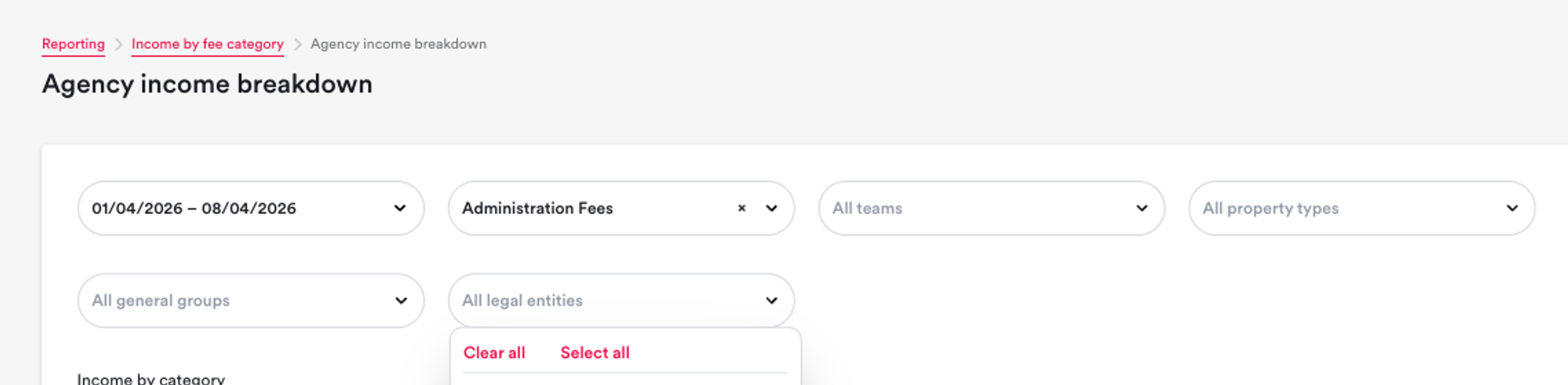
What: The income by fee category report can now be filtered by legal entity, so agencies with multiple trading entities can isolate their income reporting per entity.
Why: Agencies operating under more than one legal entity had no way to separate income by entity in the report. This meant downloading the data and manually splitting it, or relying on property manager groupings that didn't always align. This filter gives business owners and accountants a clean view of income per entity without the workaround.
How: Open the Income by fee category report. You will see a new Legal entity filter alongside the existing date and team filters. Select the entity you want to report on and the report will update to show only income attributed to properties managed under that entity.

Team Meeting Slides - Now Available with Every Release
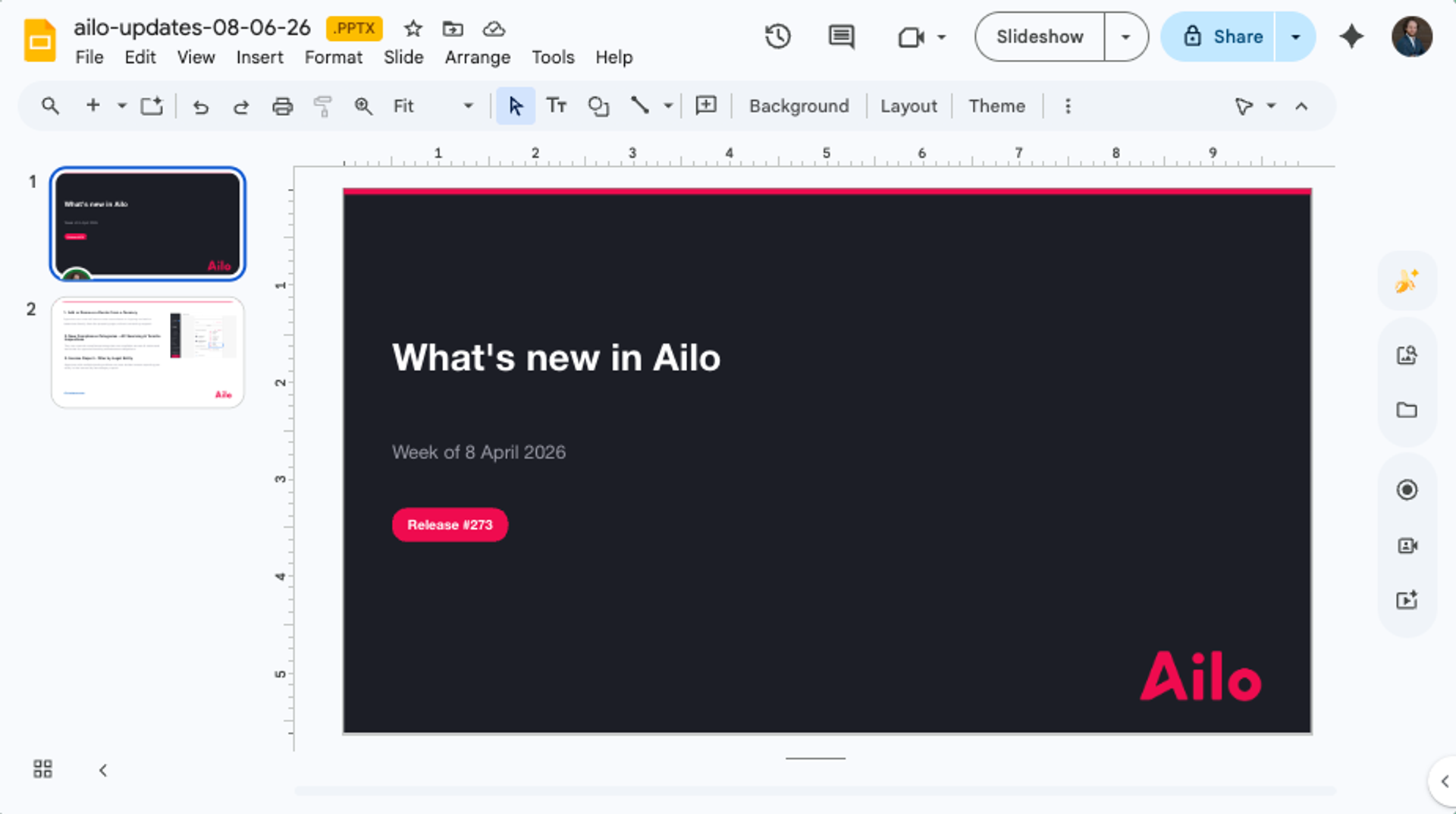
What: Every weekly release now comes with ready-to-use presentation slides that your team leads can download and present at their weekly meetings.
Why: Keeping the whole team across Ailo updates can be tricky when release notes live on a web page that not everyone checks. These slides give team leads a simple way to bring updates into the meetings that are already happening, so the whole office stays informed and can talk through how new features apply to their day-to-day.
How: Head to the latest release on ailo.io/whats-new. At the bottom of each release, you will find a link to download the PowerPoint slides. Open the file, pick the version that suits your meeting format, and present it as part of your weekly team catch-up.
Shoutout to Jodie from Brisbane for the idea to make release updates easier to share across the team.
Click here to access
Click here to access