
11.11.26 | Release Notes

Ailo
11 November 2026
What's New in Ailo
11.11.26
AI tenancy applications

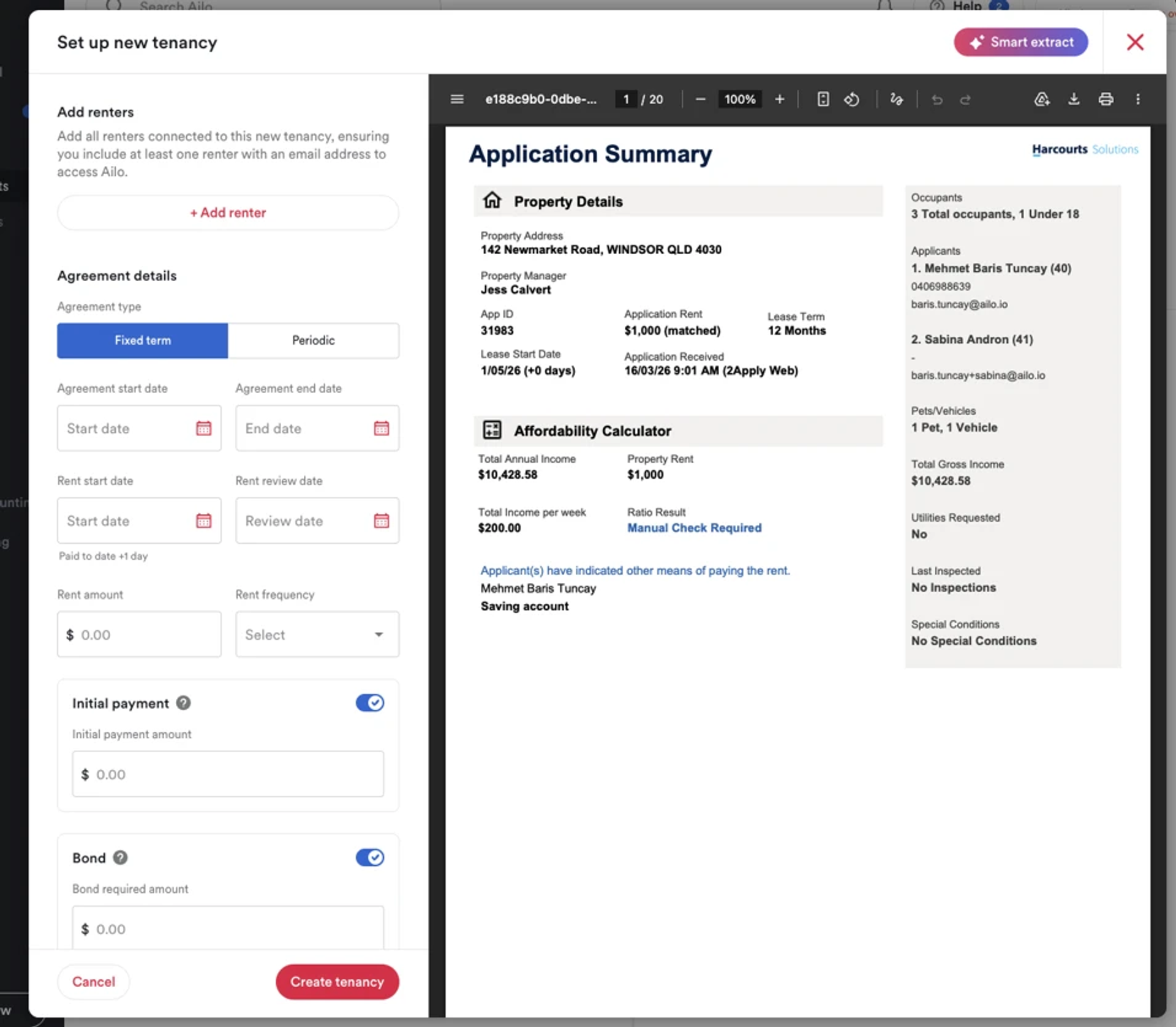
What: Attach a successful tenancy application and Ailo fills in the new tenancy for you, ready to review.
Why: Setting up a new tenancy used to mean retyping renter and lease details from the application. It's slow, and it's where typos creep in. Now data entry becomes a quick check, so your team can get the tenancy set up and move on.
How: In the Set up new tenancy window, drag and drop the application. It opens alongside the form. Click Smart extract and Ailo fills in the renter details and agreement details, like lease dates and rent. Every field Ailo filled shows an AI icon, so you know exactly what to check, and nothing is created until you click Create tenancy. If a renter's email already belongs to someone else in Ailo, you'll be asked to review it before going any further. It works with IRE, Snug and Ignite applications, and other formats including handwritten applications. Use the thumbs up or down to tell us how accurate the result was.
Ailo Assistant in the Ailo Agency app

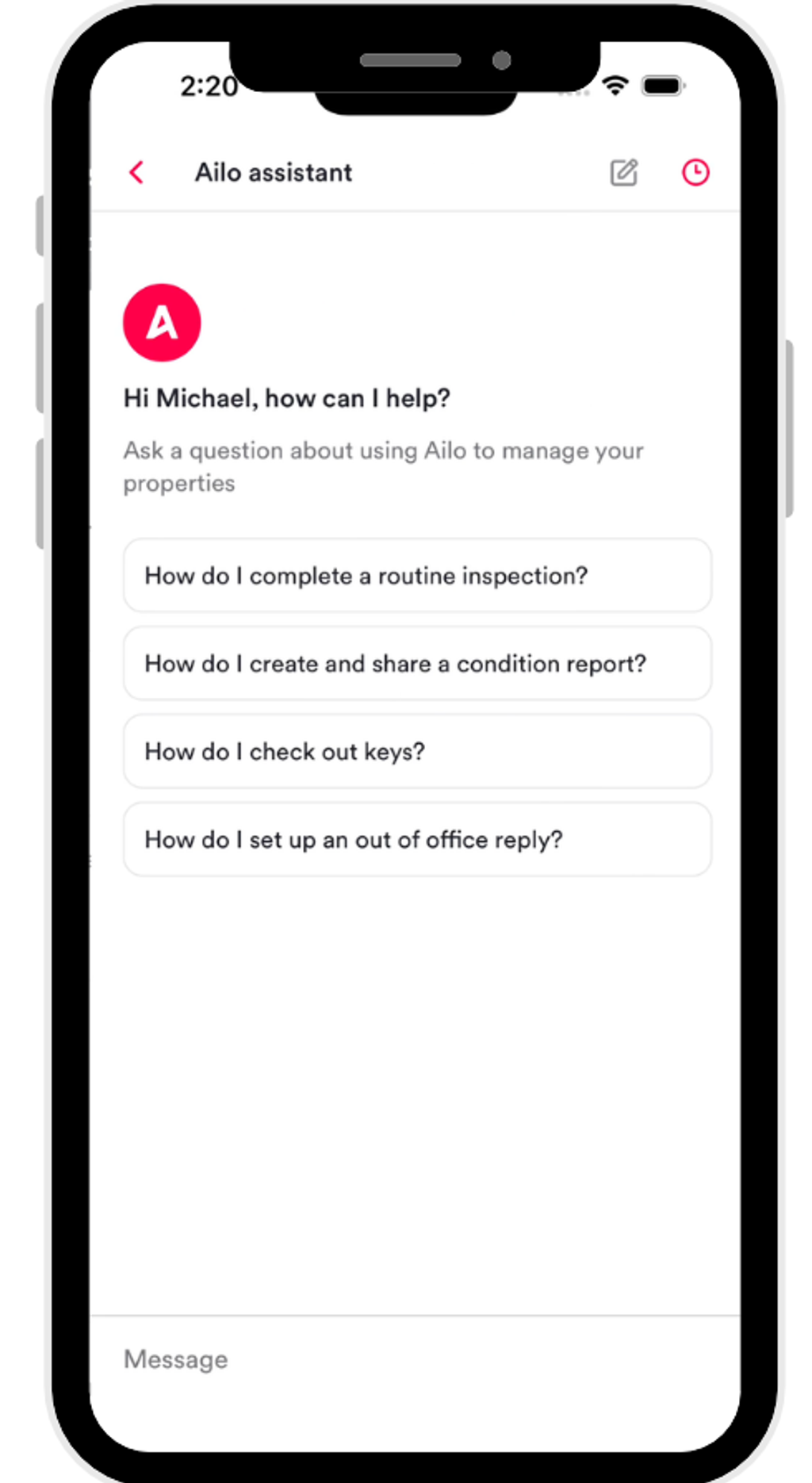
What: Ask Ailo Assistant how to do something in Ailo, right from your phone.
Why: So much of your day happens away from a desk. Now you can get an answer at an inspection or an open home, instead of waiting until you're back at your computer.
How: Open the Ailo Agency app and find Ailo Assistant at the top of Messages or in Settings. Your conversations from the web come with you, and you can reopen or delete past chats. Rate any answer with a thumbs up or down. If the assistant can't help, choose Escalate to support from the chat menu and our support team picks up the same conversation.
Thanks with a reason

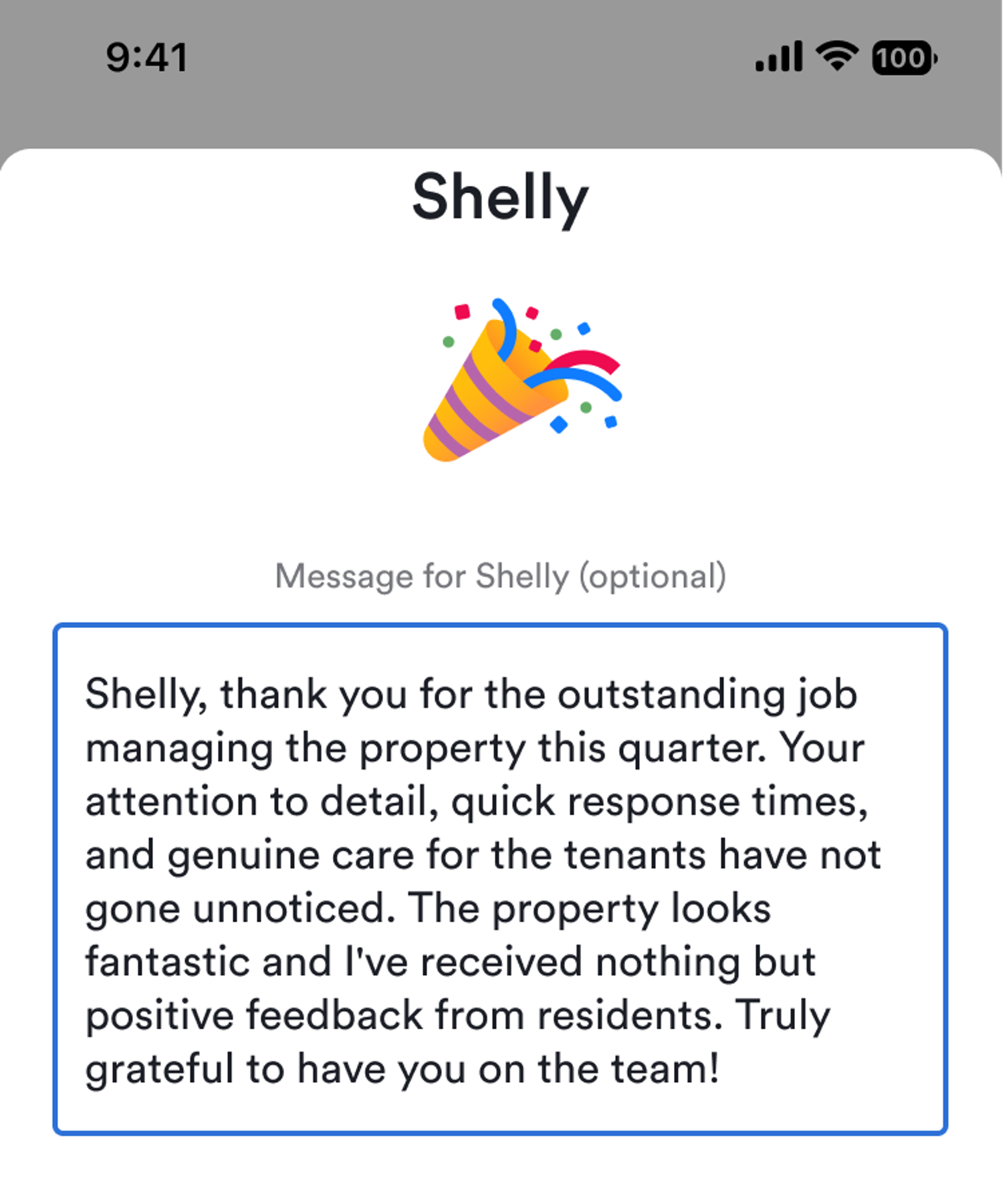
What: Investors can now add a short message when they send thanks, and you can see which thanks you haven't read yet.
Why: A thank you means more when you know what it's for. And now a thanks won't get missed in a busy week.
How: When an investor sends thanks from the Ailo app, they can add an optional message of up to 500 characters. You'll see it with the thanks in the message thread, on the web and in the mobile app. Only your agency can see it. New thanks show an unread dot on the Thanks tab until you've read them, and they work like any new message: you get a push notification (on mobile), and a thread marked Done reopens. Investors need the latest version of the Ailo app to add a message.
